

Before installing
Check your Mac against the requirements for the Office release you are licensed to use. Keep the account or licence information for that order ready. The installer alone does not grant a licence.
Download from Microsoft
Open Download and choose Office for Mac. The button opens Microsoft's download page. Use the account associated with your purchase or assigned subscription to obtain the installer.
Install the downloaded package
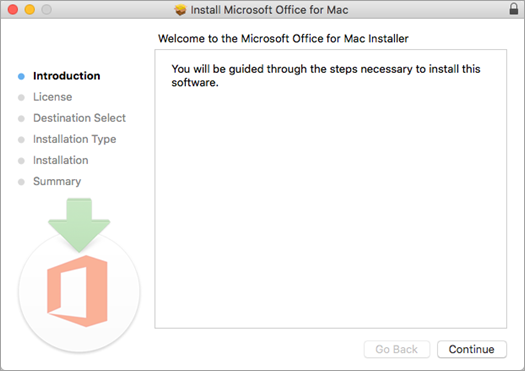
- Find the Microsoft installer in Downloads and open it.
- Review each setup screen and choose the install location.
- If macOS requests permission, use your own Mac administrator account to authorize installation.
Finish setup and activate
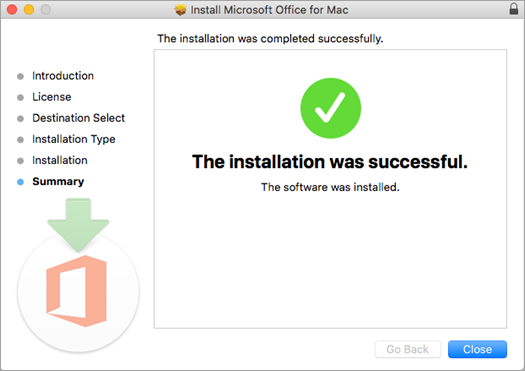
After setup finishes, open Word. Complete the sign in or licensed activation flow for your edition. Confirm activation inside the application; simply reaching a blank document is not proof of activation.
If activation is unavailable
Check that the installed edition matches your entitlement. Keep the error text and contact the supplier who issued the licence. Follow Microsoft's installation guidance for account-specific steps.